Appearance
Plugin Accreditation Process Automation
You use the accreditation pipeline to have a plugin version reviewed and approved against Mobile Platform quality standards. When you raise a pull request (PR) in the accreditation repository the pipeline runs a sequence of automated checks. These checks reduce manual effort, give you fast feedback and ensure consistent application of standards.
This page explains:
- Audience: Who should read the report.
- Accreditation workflow: Understanding the process.
- Reading the accreditation report: How to interpret the accreditation report output.
- Automated checks: What each automated check validates and actions to take if it fails.
- After remediation: What happens after you push your fixes
- Support: Something looks wrong? Raise it.
Audience
Plugin authors and maintainers seeking accreditation for a new or updated release.
Outcome: After you read this page you can quickly remediate failures and supply any missing evidence so that accreditation proceeds without delay.
Accreditation workflow (high level)
- You raise a PR in the accreditation repository referencing the plugin release you want accredited.
- The pipeline triggers and runs all automated checks listed below.
- A consolidated accreditation report is posted back to the PR (for example through Danger bot comments) showing pass / fail status, links to external reports and remediation advice.
- You address any failed or advisory items and push updates (or supply evidence where needed).
- The pipeline re-runs until all mandatory checks pass; the accreditation reviewers then complete any remaining manual verification and approve.
Note:
- To provide supportive governance, automated checks post pass/fail/warning feedback on the PR, but they do not fail the pipeline. This prevents unnecessary blocking of plugins
- Reviewers must thoroughly work through the checklist and request mandatory changes so the plugin adheres to the standards
- Capture all discussion on the PR as comments. This preserves a complete record for summarisation and helps produce a meaningful summary for the next version of the same plugin
Reading the accreditation report
The report groups each check under a heading with a status indicator:
- ❌ Fail: You must remediate before accreditation can proceed.
- ⚠️ Warn/Advisory: Recommended improvement; may not block accreditation but could do so in future.
- ✅ Pass: No action required.
Each section normally contains: a brief description, any detected issues, links to source evidence (for example SAST or SonarQube dashboards). Act on the remediation guidance rather than just fixing symptoms.
Automated checks (detailed)
The image below explains how to interpret each pipeline check. 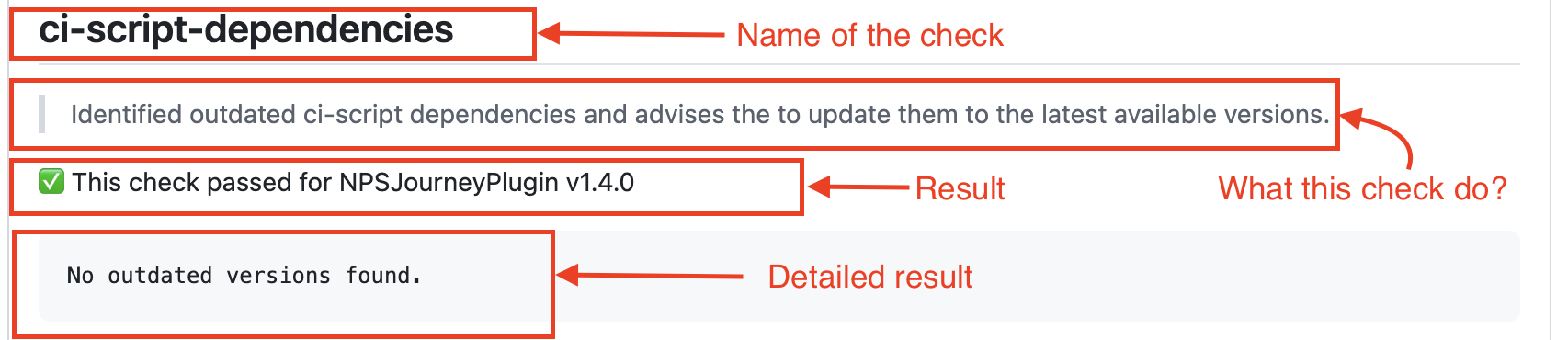
aos-dependencies
Purpose: Identifies outdated Android dependencies declared in the plugin mobile-ci.json. 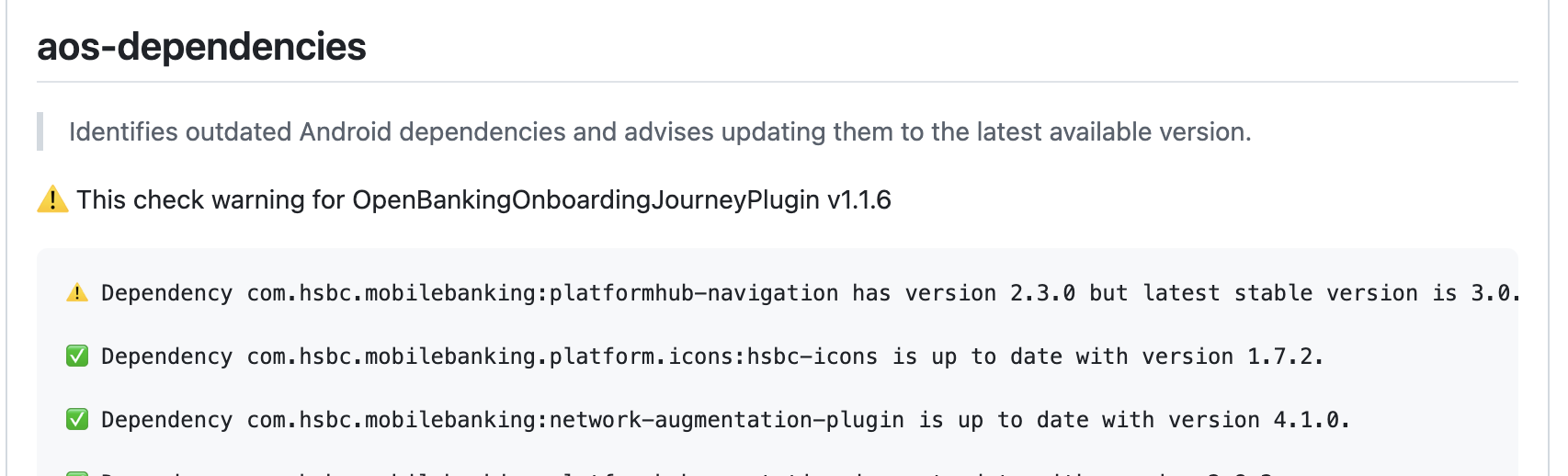
Remediation:
- Update the listed dependencies to the latest approved versions (prefer versions already adopted in other accredited plugins).
- Re-run the pipeline to confirm.
bundle-id-checker
Purpose: This check is only for Android to validate the bundle id mentioned in plugins-registry matches the namespace or artifact id in the plugin module. 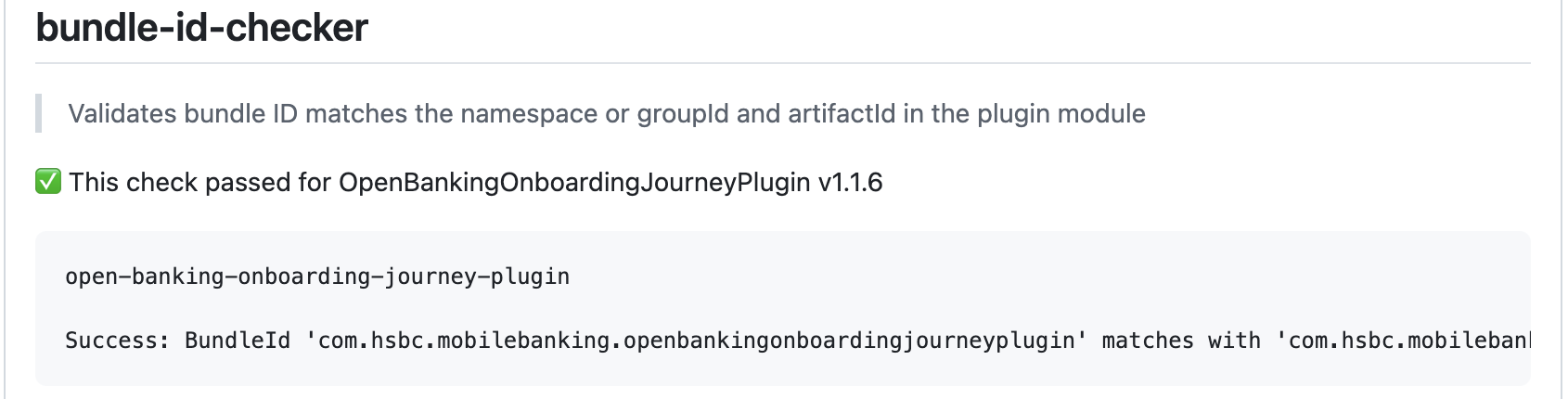
Remediation:
- Update the bundle id to match namespace/artefact id in plugin module.
auto-code-review
Purpose: Performs an AI-assisted code review of the core module for both Android and iOS using platform-specific rule sets. 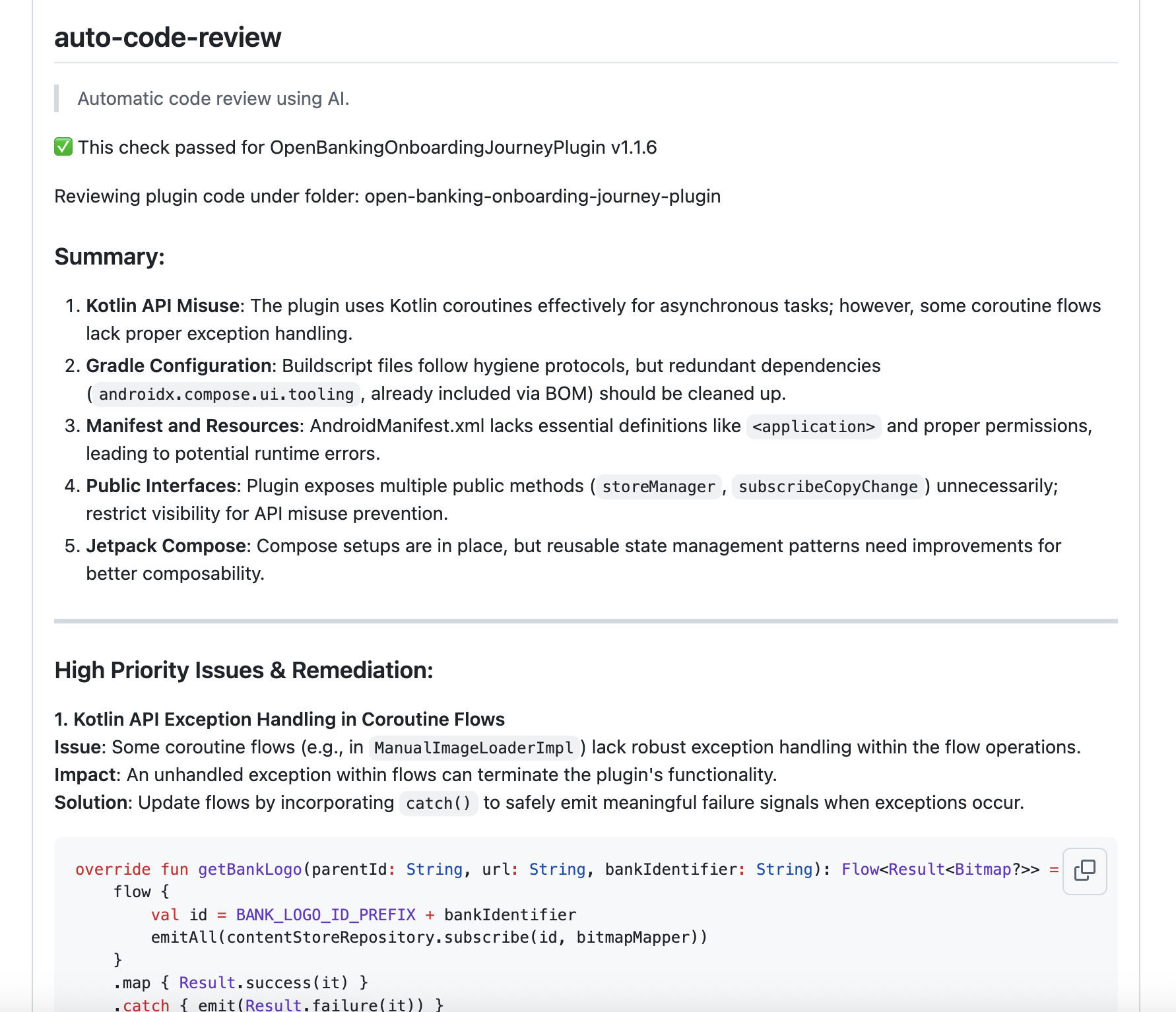
Remediation:
- Review flagged findings (security, readability, architectural concerns).
- Address true positives.
- Annotate or suppress false positives with justification in the PR.
ci-script-dependencies
Purpose: Detects outdated CI script dependencies. 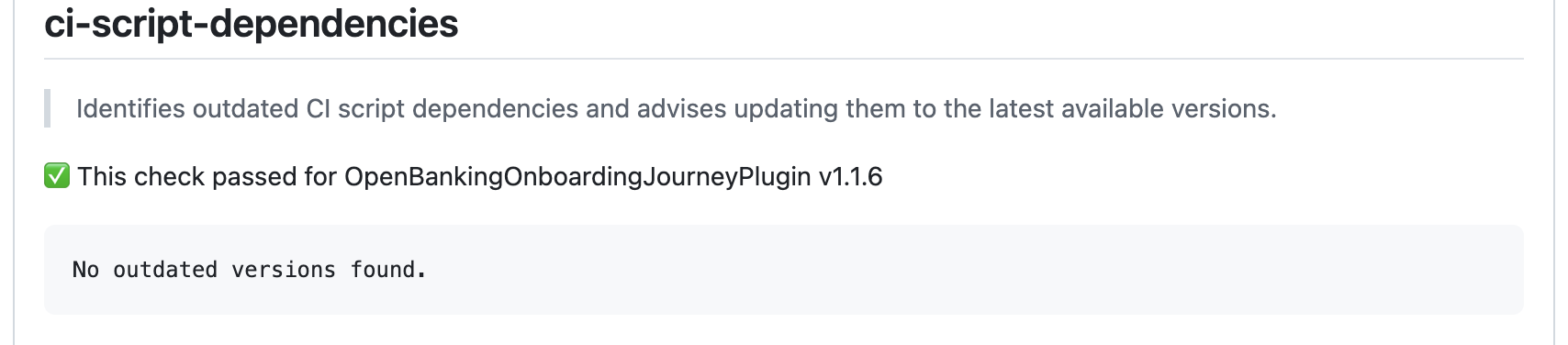
Remediation:
- Upgrade the CI script components to latest versions.
cyber-flow-check
Purpose: Retrieves and links the Cyber Flow SAST security report generated from the release branch build. 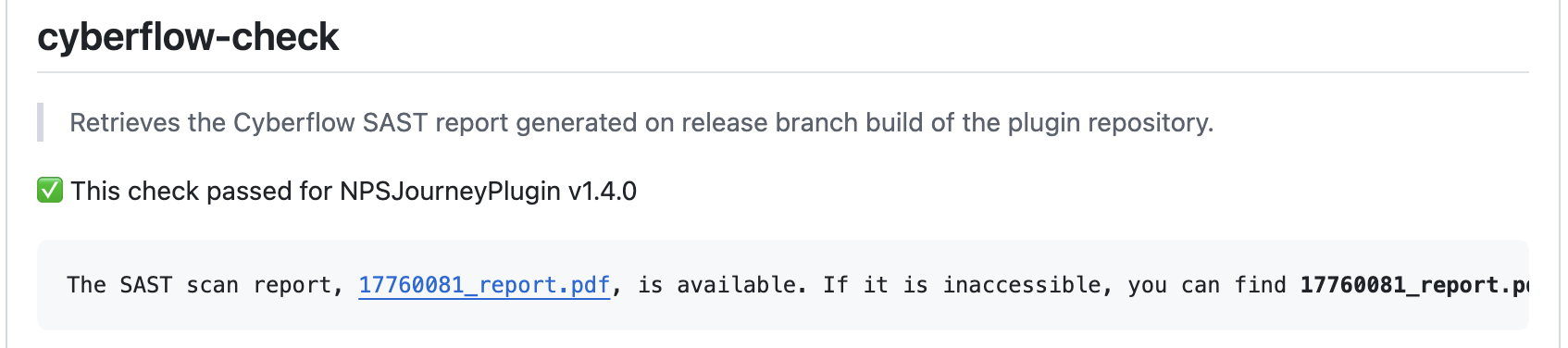
Remediation:
- Provide clean SAST scan report screenshot or attach pdf to the PR description.
dependabot-alerts-check
Purpose: Surfaces any open Dependabot alerts affecting the plugin. 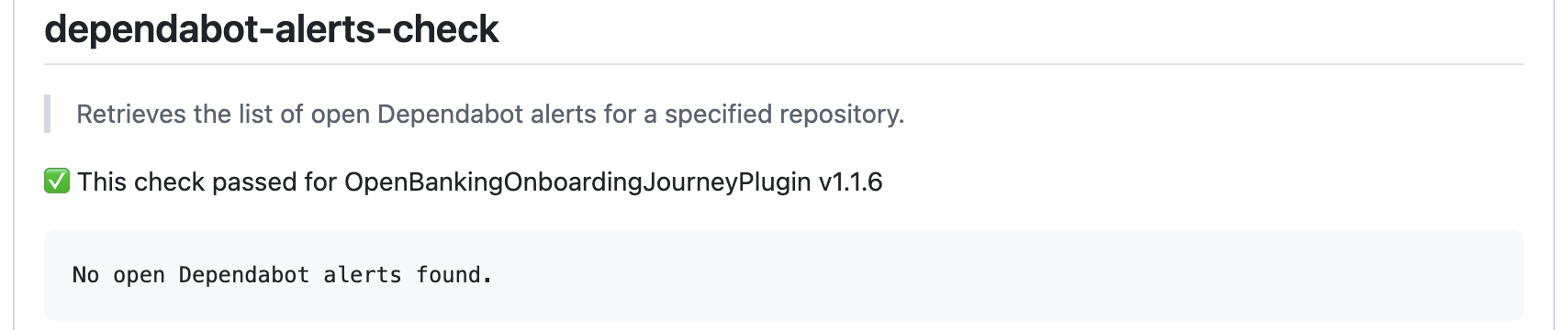
Remediation:
- Update affected dependencies or justify exceptions (for example if an upstream fix is pending).
- Do not ignore security alerts.
direct-release-dependencies
Purpose: Enforces architectural isolation. If a plugin needs shared resources or communication it must do so through PlatformHub. Release dependencies are limited to PlatformHubKit, IconManager, ThemeManager and PlatformRedux. 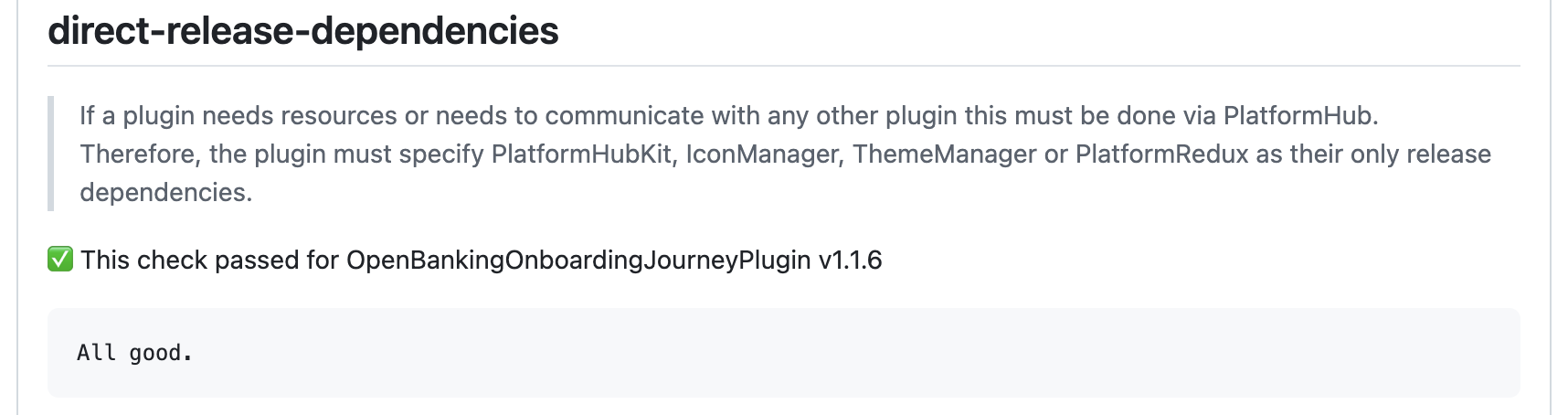
Remediation:
- Remove any disallowed direct dependencies and refactor to use PlatformHub integration points.
ios-dependencies
Purpose: Enforces that only allowed ios dependencies are used in the plugin else they are marked as 'development_only'. Also checks the dependencies are not embedded in the plugin. 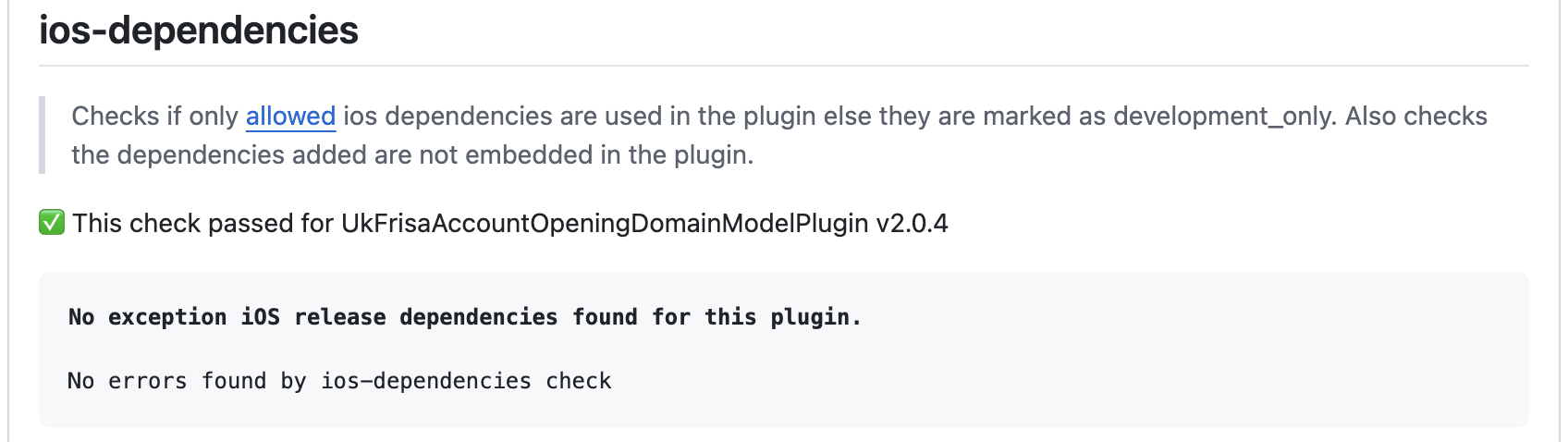
Remediation:
- If a dependency is used which is not from the allowed list then it should be added as exception in the accreditation PR as mentioned here.
- Do not embed dependencies.
product-json-check
Purpose: Validates that a product.json file exists and matches the required schema. 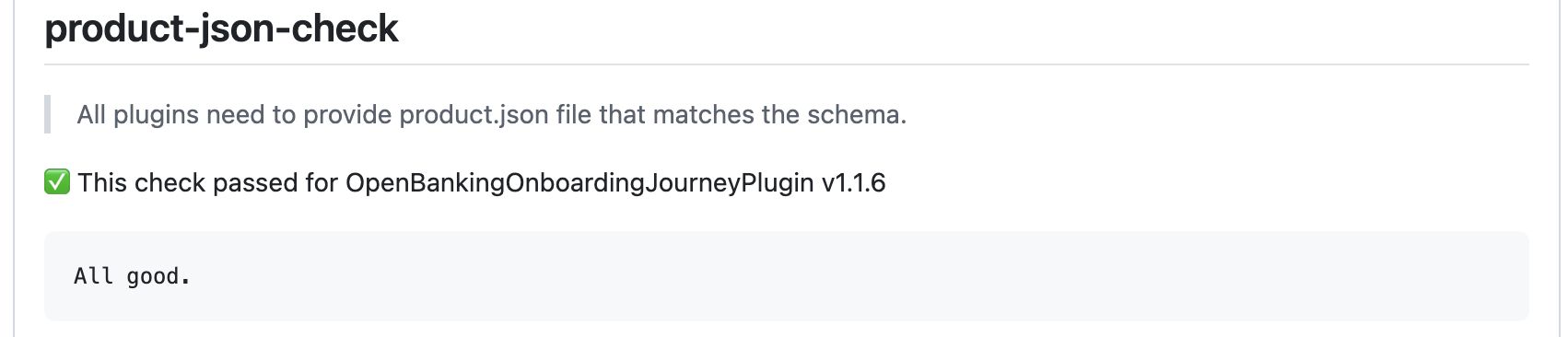
Remediation:
- Correct schema mismatches (keys, types, required fields) or add the missing file. Use the published schema reference.
readme-check
Purpose: Ensures the repository contains a clear README.md describing build instruction for plugin, usage, latest version, build badge, documentation and TestFairy sample app link. 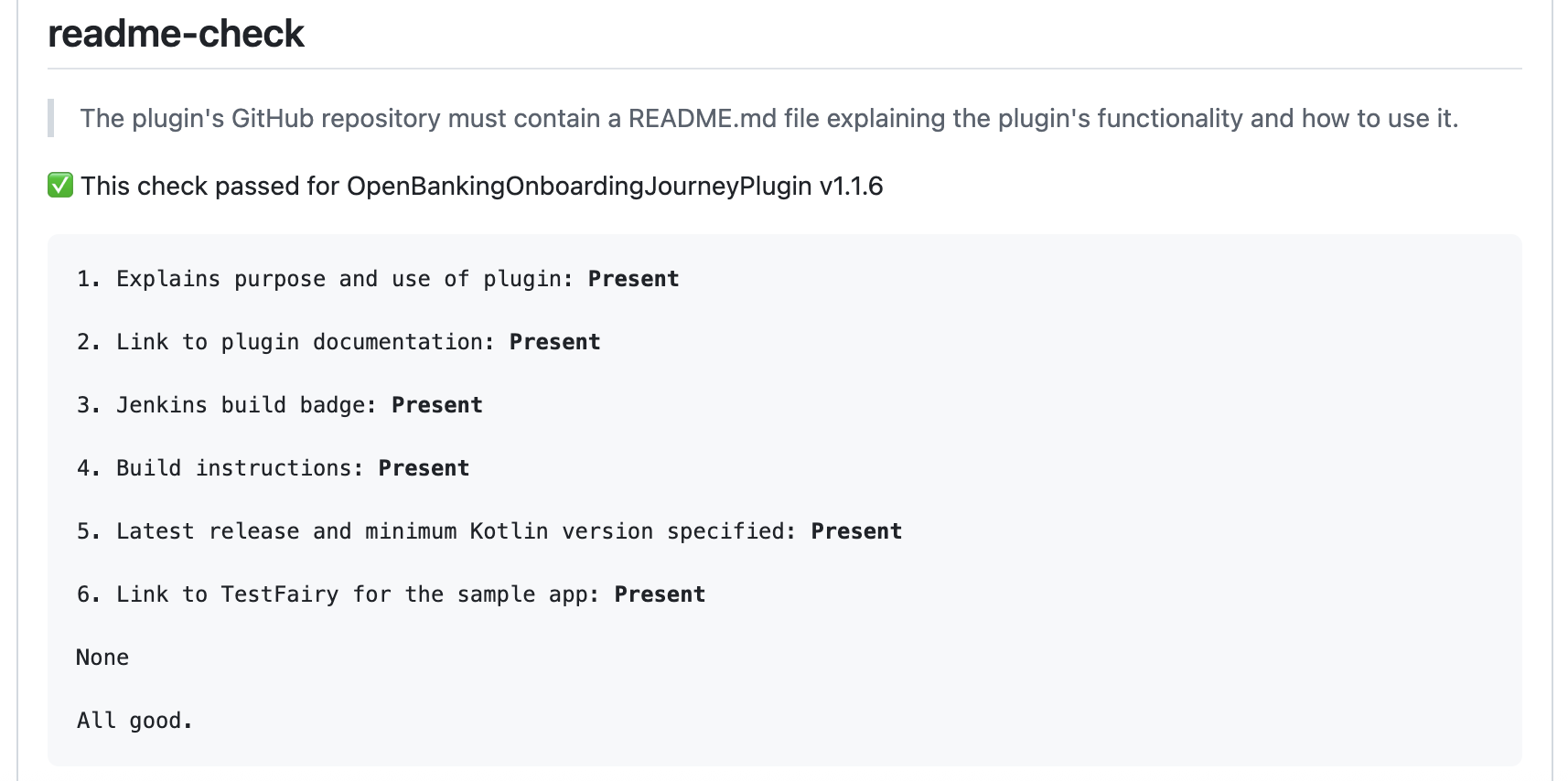
Remediation:
- Add or enhance the README to include required sections.
sonar-check
Purpose: Verifies the correct SonarQube quality gate and captures metrics (coverage, duplication, reliability, security hotspots) for display. 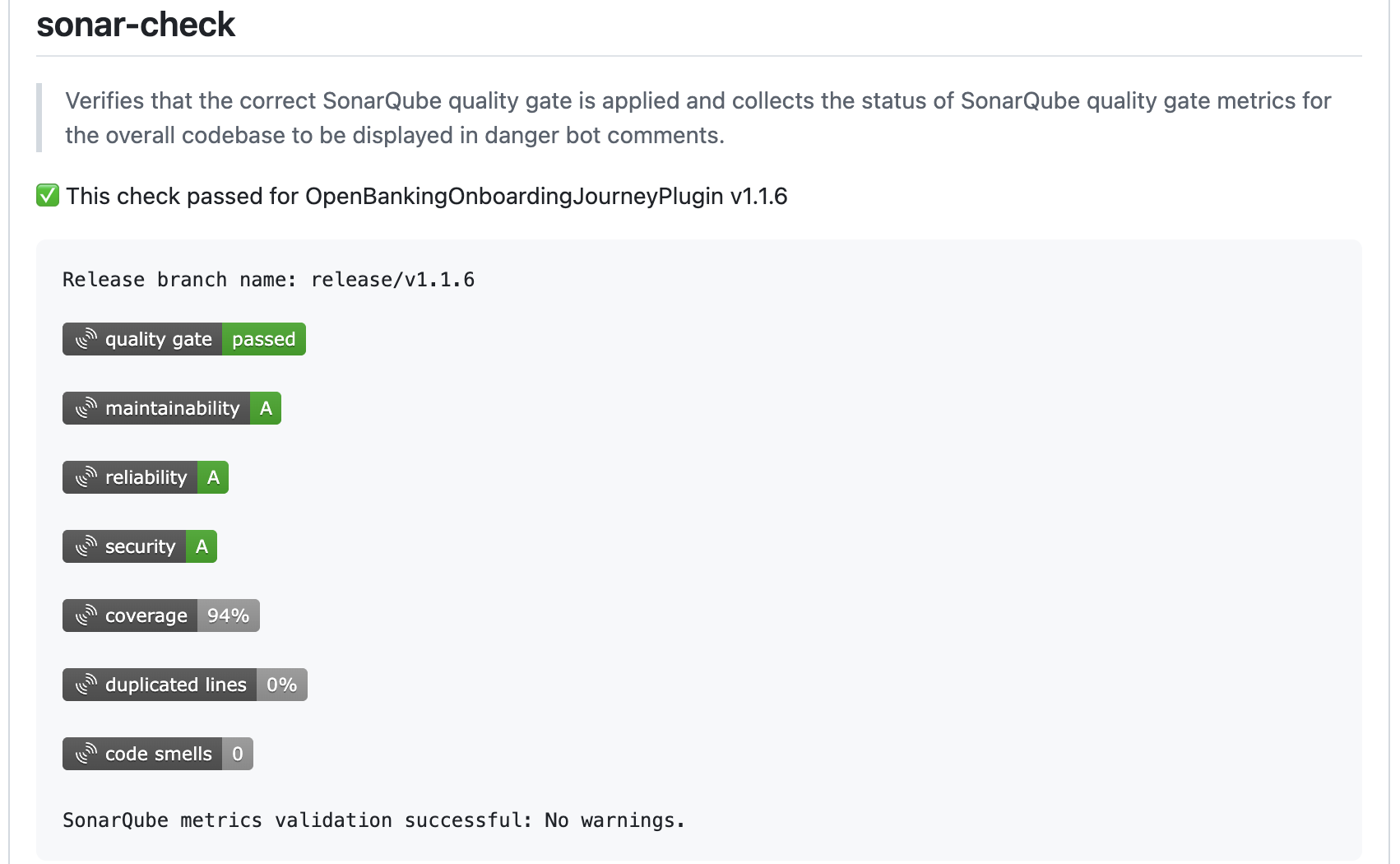
Remediation:
- Open the SonarQube dashboard and remediate failing conditions (add tests, fix bugs, reduce duplication).
- Ensure the right project and gate are configured.
strategy-alignment
Purpose: Confirms the plugin aligns with platform technology strategy (for example avoids web journeys and disallowed frameworks such as Angular, React, Flutter, Cordova). 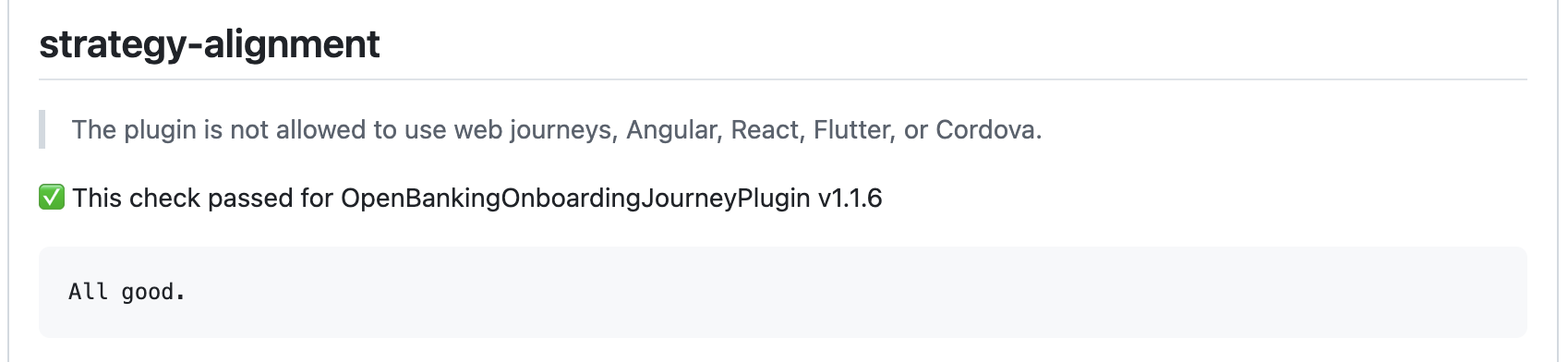
Remediation:
- Refactor to approved native technology choices or raise an architectural exception with justification.
Previous accreditation review summary
This section lists a summary of all review comments given to previous version for the plugin.
The way PR summarisation script works is:
- Goes through all the review comments given to a PR that has come for accreditation.
- Analyses if any comments has not been addressed.
- Once that is done, it generates a summary of all the comments not addressed yet, segregating them into major and minor categories. This section also highlights key feedback and action items.
After remediation
When you push fixes in plugins release branch then re-run accreditation PR pipeline. Continue until all mandatory checks pass and you get a clean report. Use advisory feedback to schedule future improvements so that subsequent accreditation cycles remain fast.
Support
If a result seems incorrect: comment in the PR with details (including the check name and evidence) and tag the accreditation support team. Provide links to the failing report section and any logs to speed up triage.